Light or dark, on your phone or your computer
You'll use Jointwise at the kitchen table, on the bus and on the sofa at night. It's built to be comfortable in all three.
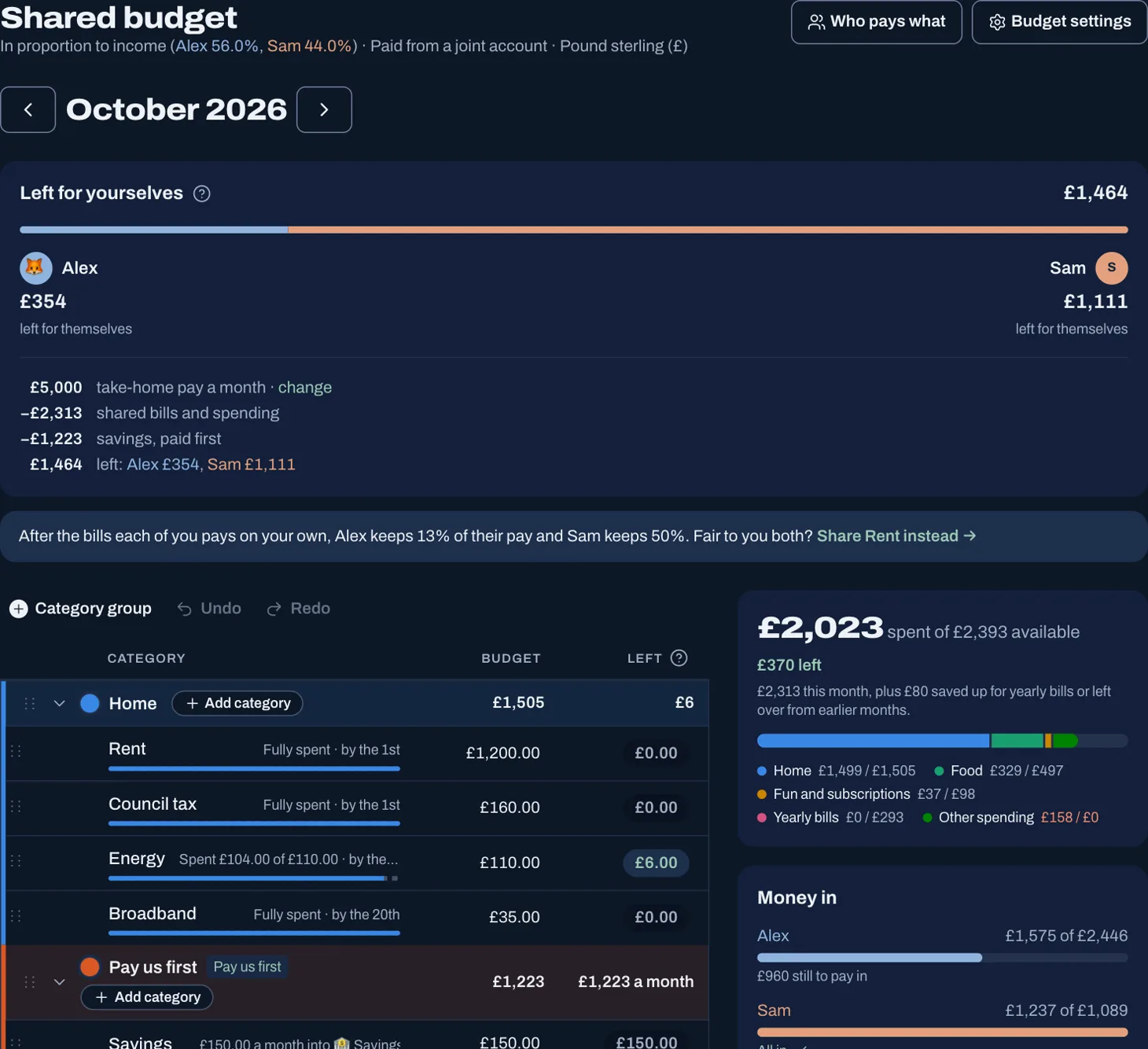
Tap to see it full size
Light, dark, or match your device
Jointwise follows your phone or computer's setting, so it goes dark when your device does. Rather have one all the time? Choose Light or Dark under Appearance in Settings. It's remembered on each device, so you can each have it your way, and your phone and laptop can differ.
Every screen and chart is made for both, and your colours stay the same: whoever is sky by day is sky at night.
Install it like an app
- iPhone: open jointwise.io in Safari, tap Share, then Add to Home Screen.
- Android: open it in Chrome, tap ⋮, then Add to home screen or Install app.
- Computer: sign in with Chrome or Edge and choose Install. Jointwise opens in its own window.
Tip: Then turn on notifications in Settings for bill reminders and your partner's notes. Full steps: Add Jointwise to your phone or computer.
Quick on a computer
Press ? anywhere for keyboard shortcuts, and add a spend with the + button without leaving the page you're on.
Not financial advice. Jointwise gives you tools and general information to manage money together. It isn't regulated financial advice. It doesn't know your full circumstances.
Read more in Learn
More features
What's On
Local gigs, comedy and theatre, added to the calendar and the budget in one go.Date nights that fit
Ideas matched to what's left in your date budget this month.Shared calendar
Plans and bills side by side, with a prompt when something will cost.Shared chores and to-dos
Who's doing what, including the jobs that come round every week.
Sort your money together tonight.
Light or dark mode, installed like an app on any phone or computer. Set it up in one evening, and your 30 free days start when your partner joins.
No card to start. Nothing deleted if you stop. Either of you can leave any time.